AI integracije za firme: Kako povezati AI sa postojećim sistemima
Umjetna inteligencija danas može analizirati podatke, odgovarati korisnicima, obrađivati dokumente, generisati sadržaj, pripremati izvještaje i automatizovati veliki broj poslovnih zadataka.
Međutim, prava vrijednost AI tehnologije ne dolazi samo iz korištenja pojedinačnih AI alata.
Najveći potencijal pojavljuje se kada se AI poveže sa sistemima koje firma već koristi.
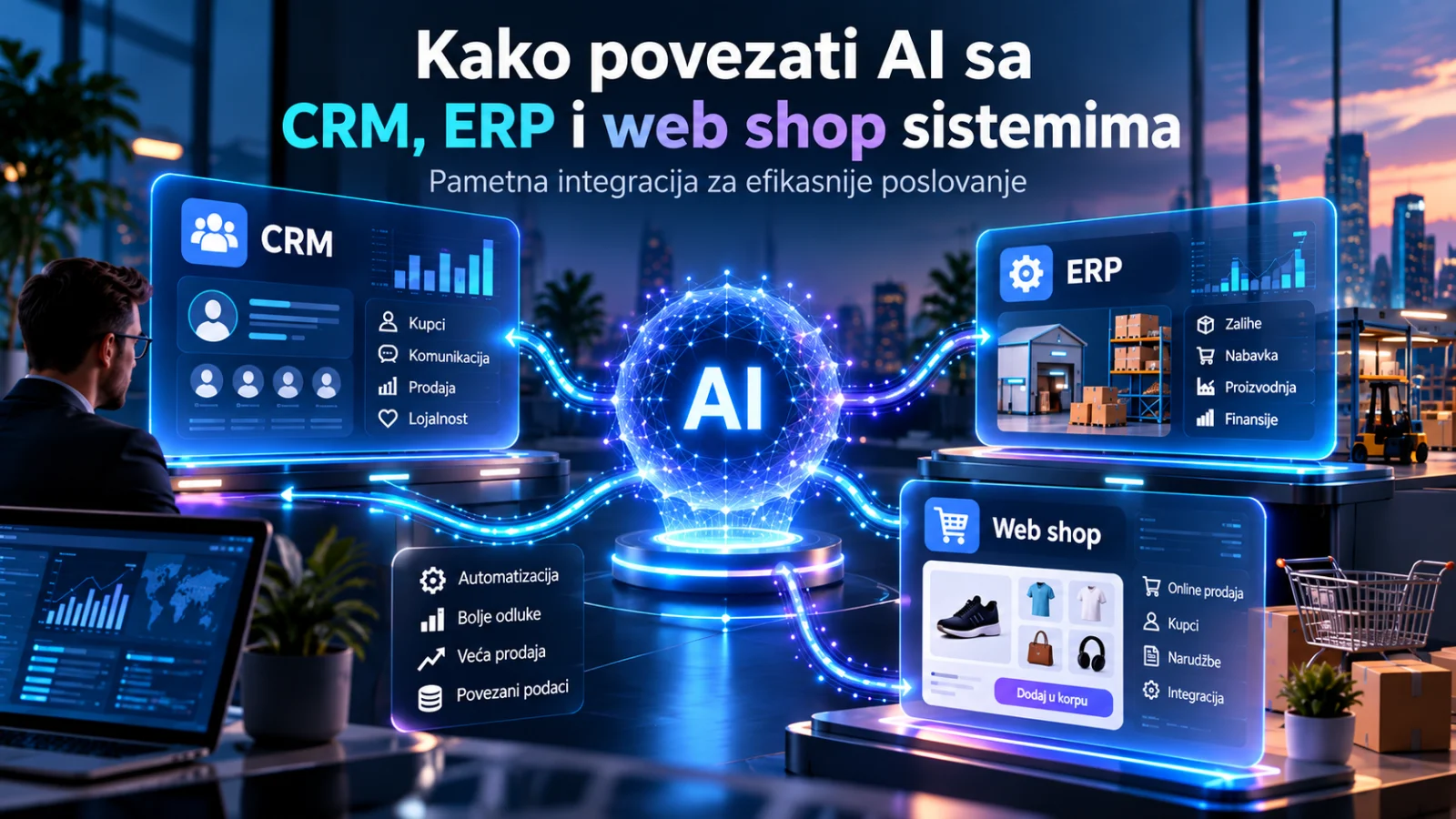
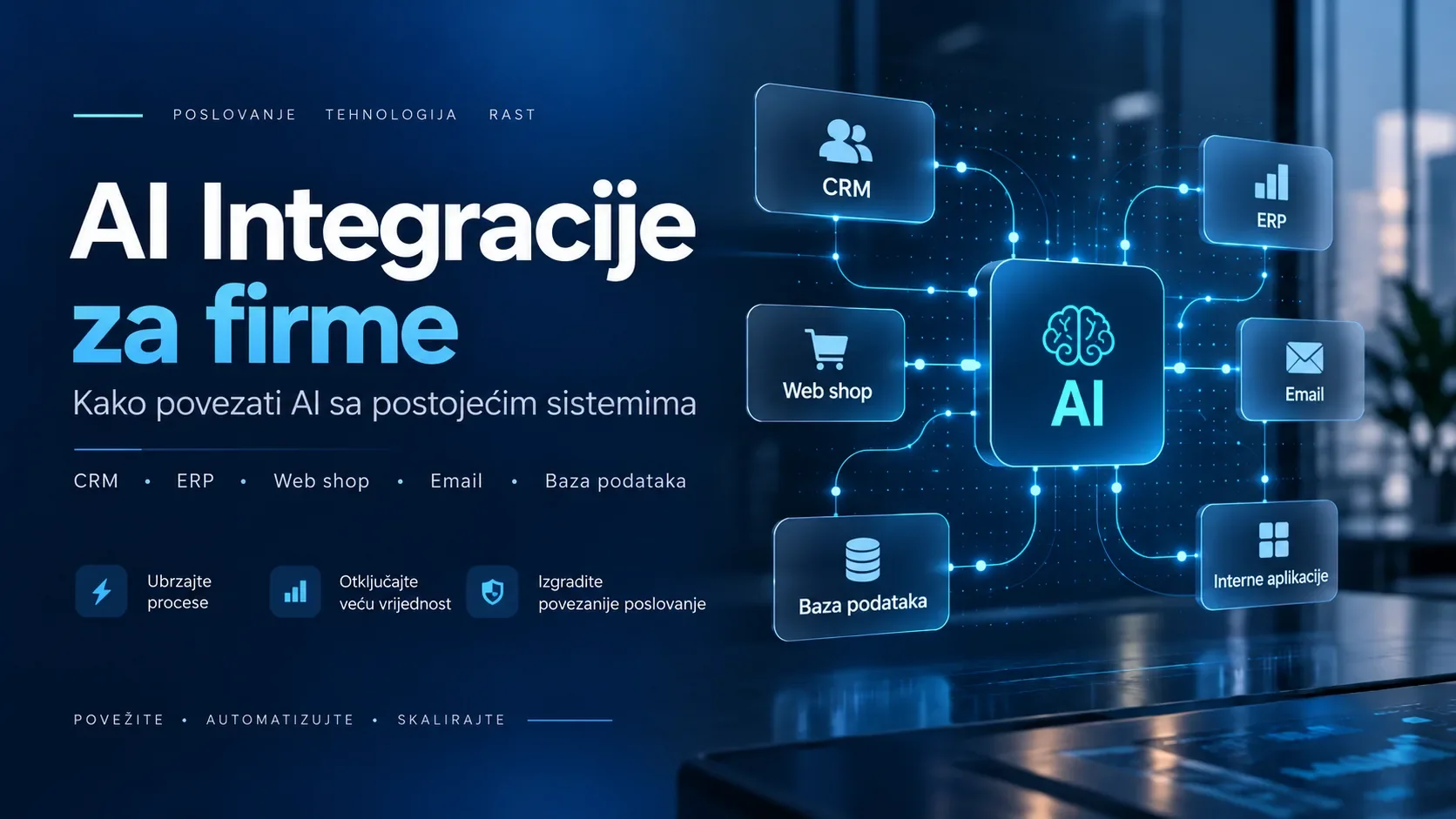
CRM, ERP, web shop, poslovna aplikacija, email, baza podataka, računovodstveni program ili interna platforma već sadrže veliki dio informacija potrebnih za svakodnevno poslovanje.
Kada umjetna inteligencija dobije siguran i kontrolisan pristup tim informacijama, moguće je napraviti sisteme koji ne samo da odgovaraju na pitanja već i aktivno pomažu zaposlenima, automatizuju procese i povezuju različite dijelove poslovanja.
Upravo to predstavljaju AI integracije za firme.
Šta je AI integracija?
AI integracija predstavlja povezivanje modela umjetne inteligencije sa postojećim poslovnim softverom, bazama podataka ili drugim digitalnim servisima.
Umjesto da AI funkcioniše kao potpuno odvojen alat, on postaje dio postojećeg poslovnog procesa.
Jednostavan primjer može izgledati ovako:
Kupac pošalje upit → AI analizira poruku → provjeri podatke u CRM-u → pripremi odgovor → zaposlenik pregleda odgovor → poruka se šalje kupcu.
U ovom slučaju AI nije zamijenio CRM niti postojeći sistem komunikacije.
On ih je povezao i učinio proces bržim.
To je ključna ideja AI integracija: postojeći sistemi ostaju centralni dio poslovanja, dok AI dodaje novi sloj inteligencije i automatizacije.
Zašto nije dovoljno koristiti samo ChatGPT ili drugi AI alat?
AI alati mogu biti veoma korisni i bez dodatnih integracija.
Zaposlenik može ručno kopirati informacije iz CRM-a, poslati ih AI modelu, dobiti rezultat i zatim taj rezultat vratiti u poslovni sistem.
Problem nastaje kada se ovaj proces ponavlja desetine ili stotine puta dnevno.
Tada se pojavljuje veliki broj nepotrebnih koraka:
- kopiranje podataka
- prebacivanje između aplikacija
- ručni unos rezultata
- provjeravanje informacija
- slanje podataka drugim zaposlenima
- ponavljanje istih upita.
AI integracija uklanja veliki dio ovog ručnog rada.
Umjesto da zaposlenik prenosi informacije između sistema, sistemi međusobno komuniciraju automatski.
Kako AI integracija funkcioniše?
Većina modernih poslovnih sistema omogućava komunikaciju putem API-ja.
API možemo posmatrati kao kontrolisani kanal kroz koji dvije aplikacije mogu razmjenjivati podatke.
Na primjer, AI sistem može putem API-ja dobiti informacije iz CRM-a, obraditi ih i zatim rezultat vratiti u CRM.
Proces može izgledati ovako:
Poslovni sistem → API → AI model → obrada podataka → API → poslovni sistem
U kompleksnijim projektima između tih sistema može postojati dodatni sloj aplikacije koji upravlja pravilima, autentifikacijom, sigurnošću, bazama podataka i automatizacijom.
Na taj način firma zadržava kontrolu nad tim:
- kojim podacima AI može pristupiti
- kada se AI koristi
- šta AI smije uraditi
- koje akcije zahtijevaju odobrenje zaposlenika
- šta se bilježi u sistemu.
Sa kojim sistemima se AI može povezati?
Mogućnosti zavise od infrastrukture kompanije, ali AI se može povezati sa gotovo svim modernim poslovnim sistemima koji imaju API ili drugi način razmjene podataka.
CRM sistemi
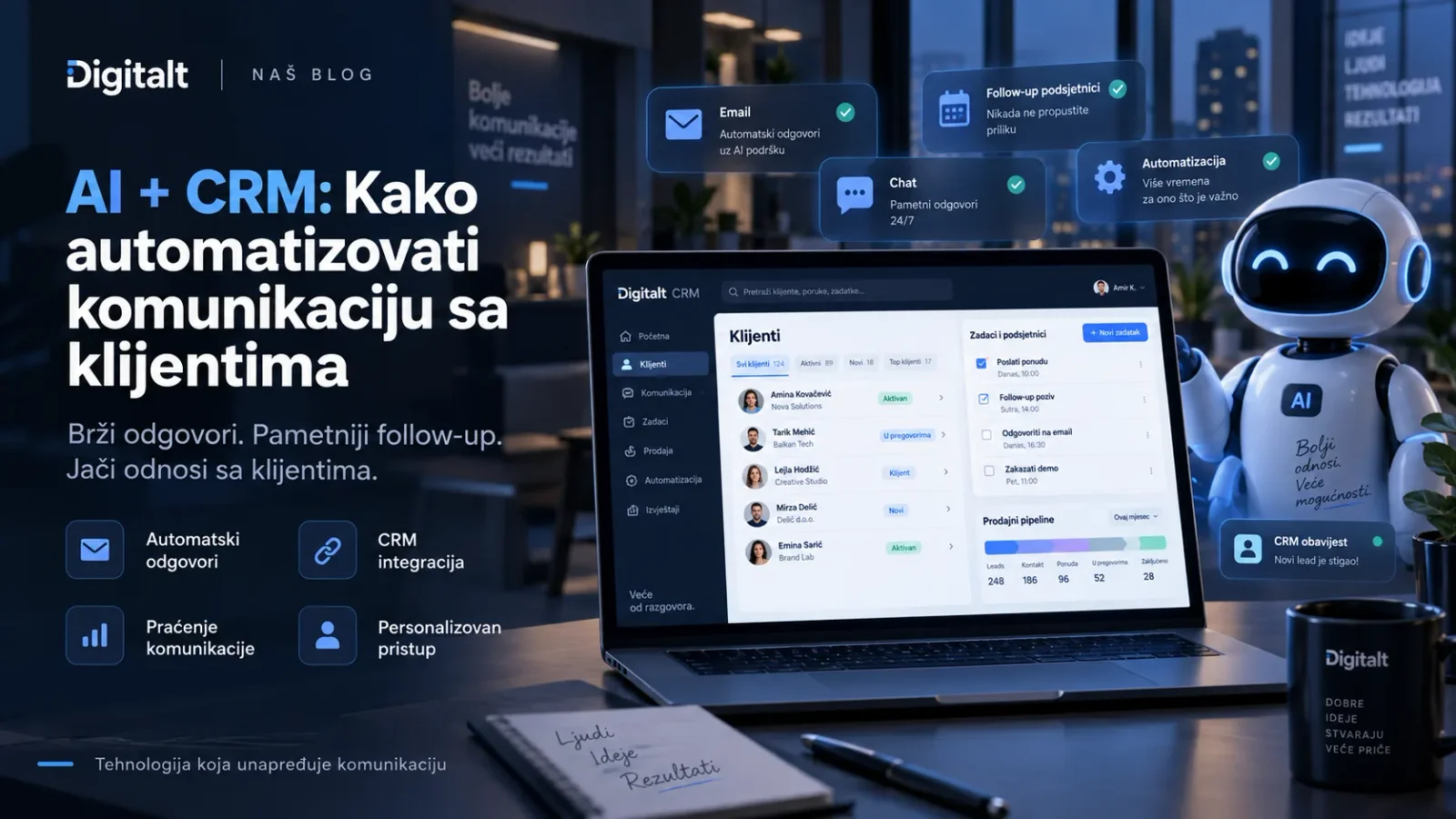
CRM sistemi sadrže informacije o kupcima, potencijalnim klijentima, komunikaciji, ponudama i prodajnom procesu.
AI može pomoći kod:
- analize upita
- kategorizacije leadova
- pripreme odgovora
- sažimanja razgovora
- kreiranja bilješki
- preporuke sljedeće prodajne aktivnosti
- analize prodajnih prilika.
Na primjer, prodajni predstavnik može otvoriti potencijalnog klijenta i odmah dobiti AI sažetak prethodne komunikacije i prijedlog sljedećeg koraka.
ERP sistemi
ERP sistemi obično sadrže veliki broj informacija vezanih za poslovanje kompanije.
To mogu biti podaci o:
- proizvodima
- zalihama
- narudžbama
- dobavljačima
- finansijama
- dokumentima
- proizvodnji.
AI integracija može omogućiti zaposleniku da podatke pretražuje prirodnim jezikom.
Umjesto da prolazi kroz nekoliko izvještaja, zaposlenik može pitati:
„Koji proizvodi imaju najveći pad prodaje u posljednja tri mjeseca?“
Sistem može pronaći relevantne podatke i pripremiti razumljiv odgovor.
Web stranice
AI se može integrisati direktno u web stranicu kompanije.
Najpoznatiji primjer je AI chatbot, ali mogućnosti su znatno šire.
AI može:
- odgovarati na pitanja korisnika
- preporučivati usluge
- kvalifikovati potencijalne klijente
- analizirati kontakt forme
- pripremiti ponudu
- proslijediti upit pravom odjelu.
Ako je povezan sa internim sistemima, chatbot može davati znatno korisnije odgovore nego klasični chatbot sa unaprijed definisanim porukama.
Web shop
AI integracije mogu biti posebno korisne za online trgovine.
AI se može povezati sa katalogom proizvoda, zalihama, narudžbama i podacima o kupcima.
Na taj način moguće je napraviti funkcije poput:
- inteligentne pretrage proizvoda
- personalizovanih preporuka
- automatskih odgovora o proizvodima
- pomoći pri odabiru proizvoda
- analize ponašanja kupaca
- pripreme opisa proizvoda
- klasifikacije proizvoda
- korisničke podrške vezane za narudžbe.
Kupac tako može napisati:
„Treba mi laptop za grafički dizajn do 2.000 KM.“
Umjesto da pretražuje desetine kategorija, AI može analizirati proizvode u katalogu i predložiti najrelevantnije opcije.
Email sistemi
Veliki dio poslovne komunikacije i dalje se odvija putem emaila.
AI integracija može automatski analizirati pristigle poruke i odrediti:
- o kakvoj vrsti upita se radi
- koliko je zahtjev hitan
- kojem odjelu treba biti proslijeđen
- da li već postoji povezan klijent u CRM-u
- koji podaci nedostaju
- kakav odgovor treba pripremiti.
Rezultat može biti nacrt emaila koji zaposlenik samo pregleda i odobri.
Baze podataka
Mnoge firme imaju veliki broj podataka, ali ih zaposleni teško koriste jer su raspoređeni kroz različite tabele i sisteme.
AI može biti povezan sa bazom podataka i omogućiti jednostavniji pristup informacijama.
Na primjer:
„Koliko smo novih korisnika imali prošlog mjeseca?“
„Koji klijenti nisu naručivali više od šest mjeseci?“
„Koja kategorija proizvoda trenutno ima najveći prihod?“
Umjesto ručnog kreiranja svakog izvještaja, AI može pomoći u pronalaženju i interpretaciji podataka.
Naravno, pristup bazama mora biti pažljivo kontrolisan.
Poslovni dokumenti
Veliki broj kompanija ima informacije koje nisu spremljene u strukturiranim bazama već u dokumentima.
To mogu biti:
- ugovori
- PDF dokumenti
- tehnička dokumentacija
- pravilnici
- cjenovnici
- interne procedure
- ponude
- uputstva.
AI sistem može pretraživati takvu dokumentaciju i odgovarati zaposlenima na pitanja koristeći informacije iz internih izvora.
Na primjer, zaposlenik može pitati:
„Koji je proces za reklamaciju ovog proizvoda?“
Sistem zatim pronalazi odgovarajući dio interne dokumentacije i daje relevantan odgovor.
AI kao interna baza znanja
Jedna od veoma korisnih AI integracija jeste stvaranje interne baze znanja.
U mnogim kompanijama veliki broj informacija postoji, ali zaposleni ne znaju gdje se nalazi.
Podaci mogu biti raspoređeni kroz:
- Google Drive
- interne servere
- PDF dokumente
- CRM
- projektne aplikacije
- interne baze podataka.
AI može služiti kao inteligentni sloj iznad tih izvora.
Umjesto da zaposlenik traži dokument, može postaviti pitanje.
Sistem zatim pretražuje relevantne izvore i priprema odgovor.
Ovakav pristup može biti posebno koristan za onboarding novih zaposlenika i svakodnevno pronalaženje internih informacija.
AI integracija sa korisničkom podrškom
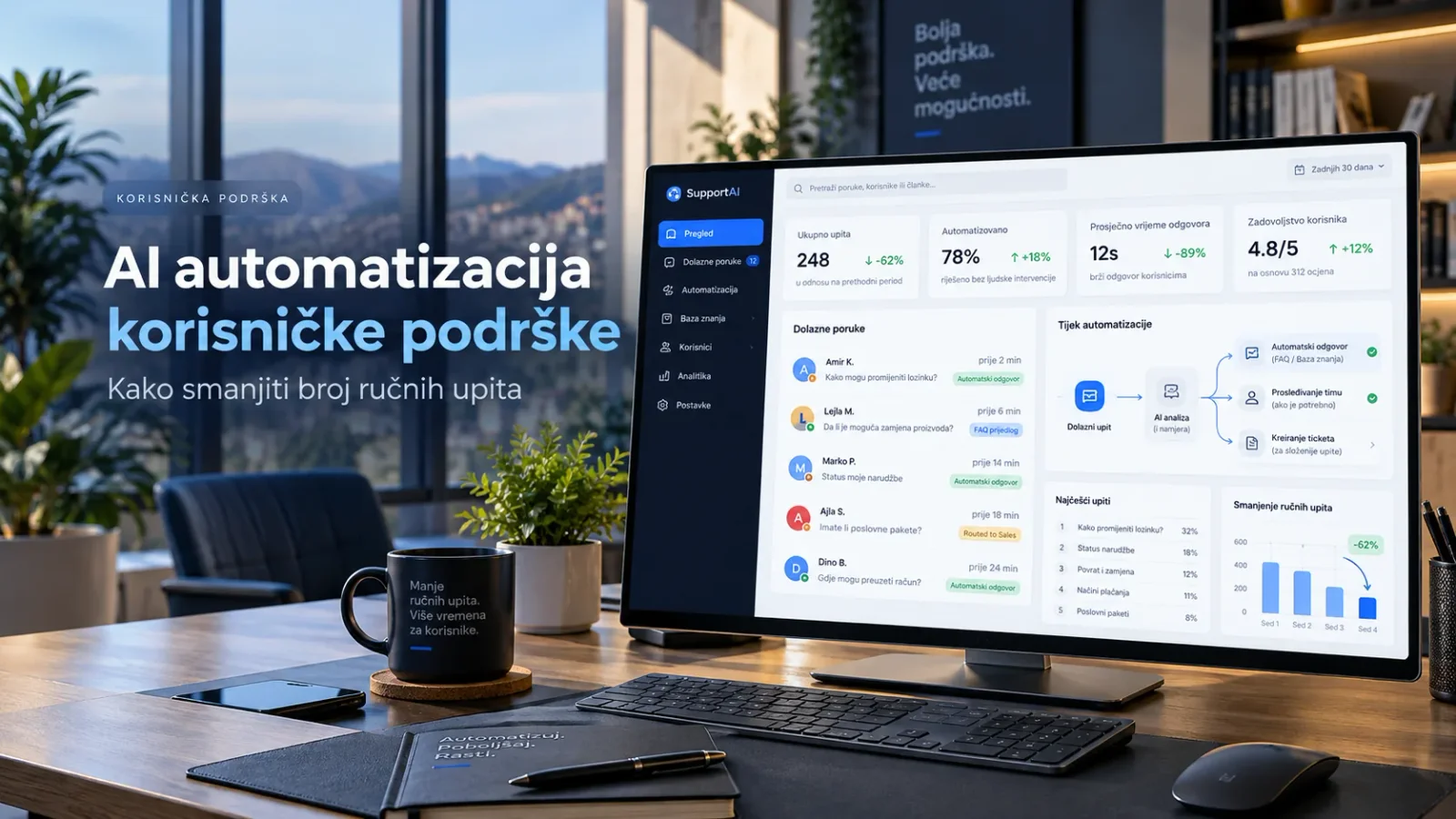
Korisnička podrška je jedan od najčešćih primjera praktične AI integracije.
Klasični chatbot često može odgovoriti samo na unaprijed definisana pitanja.
AI chatbot povezan sa poslovnim sistemima može napraviti mnogo više.
Na primjer, korisnik pita:
„Gdje je moja narudžba?“
AI sistem može:
- prepoznati šta korisnik traži
- identificirati narudžbu
- provjeriti njen status
- preuzeti podatke iz sistema
- odgovoriti korisniku.
Ako problem zahtijeva intervenciju zaposlenika, razgovor se može automatski proslijediti podršci zajedno sa sažetkom problema.
AI integracija sa prodajom
Prodaja često uključuje veliki broj malih administrativnih zadataka.
Nakon sastanka prodajni predstavnik može morati:
- napisati bilješke
- ažurirati CRM
- poslati email
- pripremiti ponudu
- zakazati naredni kontakt.
AI integracija može automatizovati dio ovog procesa.
Na primjer, nakon razgovora sistem može napraviti sažetak, prepoznati ključne zahtjeve klijenta, kreirati CRM bilješku i pripremiti nacrt follow-up emaila.
Prodajni predstavnik zatim može pregledati informacije i nastaviti rad.
Kako povezati više sistema u jedan automatizovani proces?
Najveća vrijednost pojavljuje se kada se AI ne povezuje samo sa jednim sistemom.
Zamislimo sljedeći proces:
Kupac šalje kontakt formu na web stranici.
AI analizira zahtjev.
Podaci se automatski unose u CRM.
Sistem provjerava da li je klijent već postojao.
Na osnovu zahtjeva određuje se odgovarajuća usluga.
AI priprema osnovu ponude.
Prodajni predstavnik dobija obavijest.
Nakon odobrenja, ponuda se šalje klijentu.
Sve informacije ostaju zabilježene u CRM-u.
U ovom slučaju povezani su:
web stranica + AI + CRM + email + sistem za ponude.
To je pravi primjer poslovne AI integracije.
Da li AI treba imati potpunu kontrolu nad sistemom?
U većini slučajeva – ne.
Kvalitetan AI sistem treba biti dizajniran sa jasno definisanim nivoima pristupa.
Neke aktivnosti mogu biti potpuno automatizovane.
Na primjer:
- klasifikacija emaila
- kreiranje sažetka
- unos interne bilješke
- analiza podataka.
Druge aktivnosti mogu zahtijevati ljudsko odobrenje.
Na primjer:
- slanje važne ponude
- promjena cijene
- finansijska transakcija
- otkazivanje narudžbe
- izmjena ugovora.
Ovaj princip često se naziva human-in-the-loop.
AI priprema ili predlaže akciju, ali čovjek donosi konačnu odluku kada je to potrebno.
Sigurnost AI integracija
Sigurnost je jedan od najvažnijih dijelova svakog AI projekta.
Prilikom razvoja integracije potrebno je definisati:
- kojim podacima sistem pristupa
- gdje se podaci obrađuju
- ko ima pristup rezultatima
- koji podaci se mogu slati AI modelu
- koliko dugo se podaci čuvaju
- koje akcije AI može izvršiti.
Posebnu pažnju treba posvetiti osjetljivim poslovnim i ličnim podacima.
Dobro dizajnirana AI integracija ne daje modelu više pristupa nego što mu je potrebno za konkretan zadatak.
Kako smanjiti rizik od pogrešnih AI odgovora?
AI modeli nisu nepogrešivi.
Zbog toga poslovni sistemi ne bi trebali nekritički prihvatati svaki AI odgovor.
Postoji nekoliko načina da se poveća pouzdanost sistema.
AI može biti ograničen da odgovara samo na osnovu internih izvora.
Rezultati mogu uključivati reference na podatke iz kojih je odgovor izveden.
Kritične akcije mogu zahtijevati odobrenje zaposlenika.
Određena pravila mogu biti implementirana klasičnim programiranjem, dok se AI koristi samo tamo gdje je zaista potreban.
Najbolji sistemi najčešće kombinuju AI + tradicionalnu poslovnu logiku + ljudsku kontrolu.
Da li treba mijenjati postojeći softver?
Ne nužno.
To je jedna od najvećih prednosti AI integracija.
U velikom broju slučajeva nije potrebno mijenjati kompletan poslovni sistem.
Ako postojeći CRM, ERP, web shop ili aplikacija imaju API, moguće je napraviti dodatni sloj koji povezuje postojeći sistem sa AI tehnologijom.
Time kompanija zadržava infrastrukturu koju već koristi, ali dobija nove mogućnosti.
Gotove platforme ili custom AI integracija?
Za jednostavne procese gotovi automation alati mogu biti sasvim dovoljni.
Međutim, što je proces specifičniji, veća je potreba za prilagođenim rješenjem.
Custom AI integracija može biti bolji izbor kada firma ima:
- specifične poslovne procese
- vlastitu bazu podataka
- internu aplikaciju
- više sistema koje treba povezati
- posebna sigurnosna pravila
- veliki broj korisnika
- kompleksnu poslovnu logiku.
Glavna prednost custom rješenja jeste kontrola.
Sistem se prilagođava poslovanju firme, umjesto da se poslovanje prilagođava ograničenjima gotove platforme.
Koliko košta AI integracija?
Cijena zavisi od obima projekta.
Jednostavna integracija može uključivati jedan poslovni sistem i nekoliko automatizovanih aktivnosti.
Kompleksniji projekt može povezivati CRM, ERP, web shop, email, dokumente, baze podataka i više AI servisa.
Na cijenu najviše utiču:
- broj integracija
- kompleksnost procesa
- količina podataka
- sigurnosni zahtjevi
- potreba za custom interfejsom
- nivo automatizacije
- broj korisnika
- održavanje sistema.
Zbog toga je prije razvoja najbolje napraviti tehničku i poslovnu analizu.
Kako započeti AI integraciju u firmi?
Najbolji pristup nije odmah pokušati povezati sve sisteme.
Bolje je pronaći jedan konkretan problem.
Na primjer:
„Naš prodajni tim troši previše vremena na unos upita u CRM.“
ili:
„Korisnička podrška svakodnevno odgovara na ista pitanja.“
ili:
„Zaposleni teško pronalaze informacije u internoj dokumentaciji.“
Kada je problem jasno definisan, mnogo je lakše dizajnirati kvalitetnu AI integraciju.
Nakon prvog uspješnog procesa sistem se može postepeno proširivati.
Primjer kompletne AI integracije u firmi
Zamislimo kompaniju koja prodaje proizvode putem web shopa.
Kupac postavlja pitanje putem chat prozora:
„Imate li ovaj proizvod na stanju i možete li ga isporučiti do petka?“
AI prepoznaje proizvod.
Provjerava zalihu u ERP sistemu.
Provjerava dostupne podatke o dostavi.
Odgovara kupcu.
Ako kupac želi naručiti proizvod, sistem može kreirati potencijalnu narudžbu.
Ako se pojavi problem koji AI ne može riješiti, razgovor se prosljeđuje zaposleniku.
Zaposlenik odmah vidi kompletnu historiju razgovora.
Kupac dobija brži odgovor.
Zaposlenik radi manje rutinskih zadataka.
Firma efikasnije koristi postojeće sisteme.
To je suština kvalitetne AI integracije.
Najveća vrijednost AI-a nije u samom AI modelu
Kompanije često pitaju koji je najbolji AI model.
To jeste važno pitanje, ali nije najvažnije.
Najveća poslovna vrijednost dolazi iz toga kako je AI povezan sa procesima kompanije.
Čak i veoma napredan AI model neće značajno pomoći firmi ako nema pristup relevantnim informacijama i ako nije integrisan u svakodnevni način rada.
Sa druge strane, dobro dizajniran sistem može značajno ubrzati poslovanje čak i kada automatizuje samo nekoliko jasno definisanih aktivnosti.
Zaključak
AI integracije omogućavaju kompanijama da umjetnu inteligenciju pretvore iz zasebnog alata u stvarni dio poslovnog sistema.
Povezivanjem AI-a sa CRM-om, ERP-om, web shopom, emailom, bazama podataka i internim aplikacijama moguće je automatizovati veliki broj zadataka koji danas zahtijevaju ručni rad.
Najbolji rezultati ne dolaze iz automatizacije svega odjednom.
Dolaze iz pažljivog odabira procesa gdje AI može donijeti stvarnu vrijednost.
Zato je prije svakog projekta potrebno postaviti jednostavno pitanje:
Koji dio našeg poslovanja danas može biti brži, jednostavniji ili precizniji ako povežemo AI sa sistemima koje već koristimo?
Od tog pitanja počinje kvalitetna AI integracija.
Trebate AI integraciju prilagođenu vašoj firmi?
Svaka firma koristi drugačije sisteme i ima drugačije poslovne procese.
Zato univerzalno AI rješenje ne postoji.
Moguće je povezati umjetnu inteligenciju sa postojećim web stranicama, web shopovima, CRM i ERP sistemima, internim aplikacijama, bazama podataka i drugim poslovnim alatima.
Cilj nije uvesti AI samo zato što je AI trenutno popularan.
Cilj je napraviti sistem koji štedi vrijeme, smanjuje ručni rad i zaposlenima omogućava da se fokusiraju na važnije aktivnosti.